The Ebosser has arrived at the Gallery and I've been able to have a play this week which has been really fun. It's just like the Cuttlebug in that it's easy to use but you can put A4 cardstock through which is a big bonus, especially for scrapbookers. The Ebosser plugs in to the mains and has a motor so there's no handle cranking to do and it has a safety feature which means it won't work if you put your hands inside. Another feature that I love is that if your 'sandwich' is too thick, the machine won't accept it so you know that something isn't quite right. One last thing, the booklet that comes with it is amazingly clear and useful, I think I will be separating the pages of ours and having them laminated.
I made this card with one of the A4 embossing folders which is really quick and easy to use, it really does make a card in one step. I folded the pearlised card along the lines when it came out of the machine and gave it a small trim at the top and bottom. Then I added punched flowers and butterflies to the design to highlight the embossing. The butterflies were punched out twice, I have 2 butterflies stacked together in each position with foam pads between the wings to give them lift.
In the middle of the card I made a slit at each side to poke the ribbon through, this ties the card shut. To cover the ribbon I embossed a scalloped design from Darice on baby blue and cut it out around the scalloped edge. Then I embossed another of the same design on white but cut further in this time so that they layer together nicely. The inside is finished off with some tiny daisies from a plier punch.
This card I made with the Cuttlebug and I embossed some Colorcore card with the stars background, which I then sanded to reveal the lighter colour inside. The decoupage design is from some Emma Ball giftwrap which has just arrived at the shop. As soon as I saw it I knew it was perfect for the bright and jolly card I had in mind!
Tuesday, 7 May 2013
Saturday, 13 April 2013
Scrapbooking - 'Pick a colour'
Today we tried out lots of different techniques in class. A tutorial for the page can be found below. Many thanks to Rosemary for allowing me to take photos of her work for the step-by-steps!
Emboss the top left piece of card (in class we used the cuttlebug) and sand back the surface to reveal the inner colour of the Colorcore card.
Repeat with the piece of card from the top right corner. We used a different stencil to give a different look.
The piece from the bottom left corner needs to be stamped, you can use a similar colour to give a soft look, or something with more of a contrast if you want your stamping to be more visible.
The 3 inch square of card from the top row should be inked around the edge and use a fine felt tip to 'stitch' around the edge.
The rectangle from the top row has layers of plain card matted and layered to give a framed effect. You can use 3 or 4 layers, they measure 3 1/2 x 2 1/2 inches, 3 x 2 inches, 2 1/2 x 1 1/2 inches and 2 x 1 inch.
The large centre square is stencilled with oil pastel and a stencil brush. Lay the stencil on the square, you may want to hold it in place with low tack tape. Rub some of the oil pastel onto a plate and swirl the stencil brush round and round in the paint to pick it up on the brush. Stencil the paint over the stencil in a circular motion and you will see the colour transferring to the card. The more you work, the darker the colour will be. Remove the stencil when you have finished.
The piece of card below the stencilled square is going to be painted. If you have the kit and you don't have acrylic paint at home, you can call in and borrow some from the gallery classroom.
Choose 3 colours, or choose 2 and mix them together to create a third, and paint them onto the card in dabs or stripes. I didn't bother to clean my brush between colours so I had more variation in my painted dabs.
Punch or cut shapes from patterned paper and stick them to the piece of card from the bottom right hand corner.
The small piece of card that is left is to be stitched on. Rosemary and I both stitched a lattice design but some of the students made a small cross stitch in each corner which looked just as effective.
Stick the pieces back together using magic tape on the back side of the card. Leave the 2 pieces on the left unstuck for now so that you can punch a row of holes down each side of the gap with a cropadile or small hole punch.
We measured 1/2 an inch in and made marks every inch down the line to mark the position of the holes.
Now you can stick the final pieces together with magic tape and lace through the holes with 75cm of ribbon.
Stick on your photo and you're done!
Again, many thanks to Rosemary for the loan of her page!
Measure out the 12x12 into the sections on the chart. If you have the Stoke Gallery kit this has been done for you. Cut along the lines to separate the page into 9 pieces.
Repeat with the piece of card from the top right corner. We used a different stencil to give a different look.
The piece from the bottom left corner needs to be stamped, you can use a similar colour to give a soft look, or something with more of a contrast if you want your stamping to be more visible.
The 3 inch square of card from the top row should be inked around the edge and use a fine felt tip to 'stitch' around the edge.
The rectangle from the top row has layers of plain card matted and layered to give a framed effect. You can use 3 or 4 layers, they measure 3 1/2 x 2 1/2 inches, 3 x 2 inches, 2 1/2 x 1 1/2 inches and 2 x 1 inch.
The large centre square is stencilled with oil pastel and a stencil brush. Lay the stencil on the square, you may want to hold it in place with low tack tape. Rub some of the oil pastel onto a plate and swirl the stencil brush round and round in the paint to pick it up on the brush. Stencil the paint over the stencil in a circular motion and you will see the colour transferring to the card. The more you work, the darker the colour will be. Remove the stencil when you have finished.
The piece of card below the stencilled square is going to be painted. If you have the kit and you don't have acrylic paint at home, you can call in and borrow some from the gallery classroom.
Choose 3 colours, or choose 2 and mix them together to create a third, and paint them onto the card in dabs or stripes. I didn't bother to clean my brush between colours so I had more variation in my painted dabs.
Punch or cut shapes from patterned paper and stick them to the piece of card from the bottom right hand corner.
The small piece of card that is left is to be stitched on. Rosemary and I both stitched a lattice design but some of the students made a small cross stitch in each corner which looked just as effective.
Stick the pieces back together using magic tape on the back side of the card. Leave the 2 pieces on the left unstuck for now so that you can punch a row of holes down each side of the gap with a cropadile or small hole punch.
We measured 1/2 an inch in and made marks every inch down the line to mark the position of the holes.
Now you can stick the final pieces together with magic tape and lace through the holes with 75cm of ribbon.
Stick on your photo and you're done!
Again, many thanks to Rosemary for the loan of her page!
Saturday, 2 March 2013
Messy Play Scrapbook Tutorial
Here's the next tutorial for those of you that couldn't make it to class today, you have everything provided in your kit to complete this layout. Any questions, don't hesitate to contact me at the Gallery for help.
Take the piece of dark brown card and cut lengthwise to create a 2 inch strip and a 3 inch strip.
Stick the 3 inch strip to the top of the striped 12x12 and stick the 2 inch strip about half an inch up from the bottom of the page.
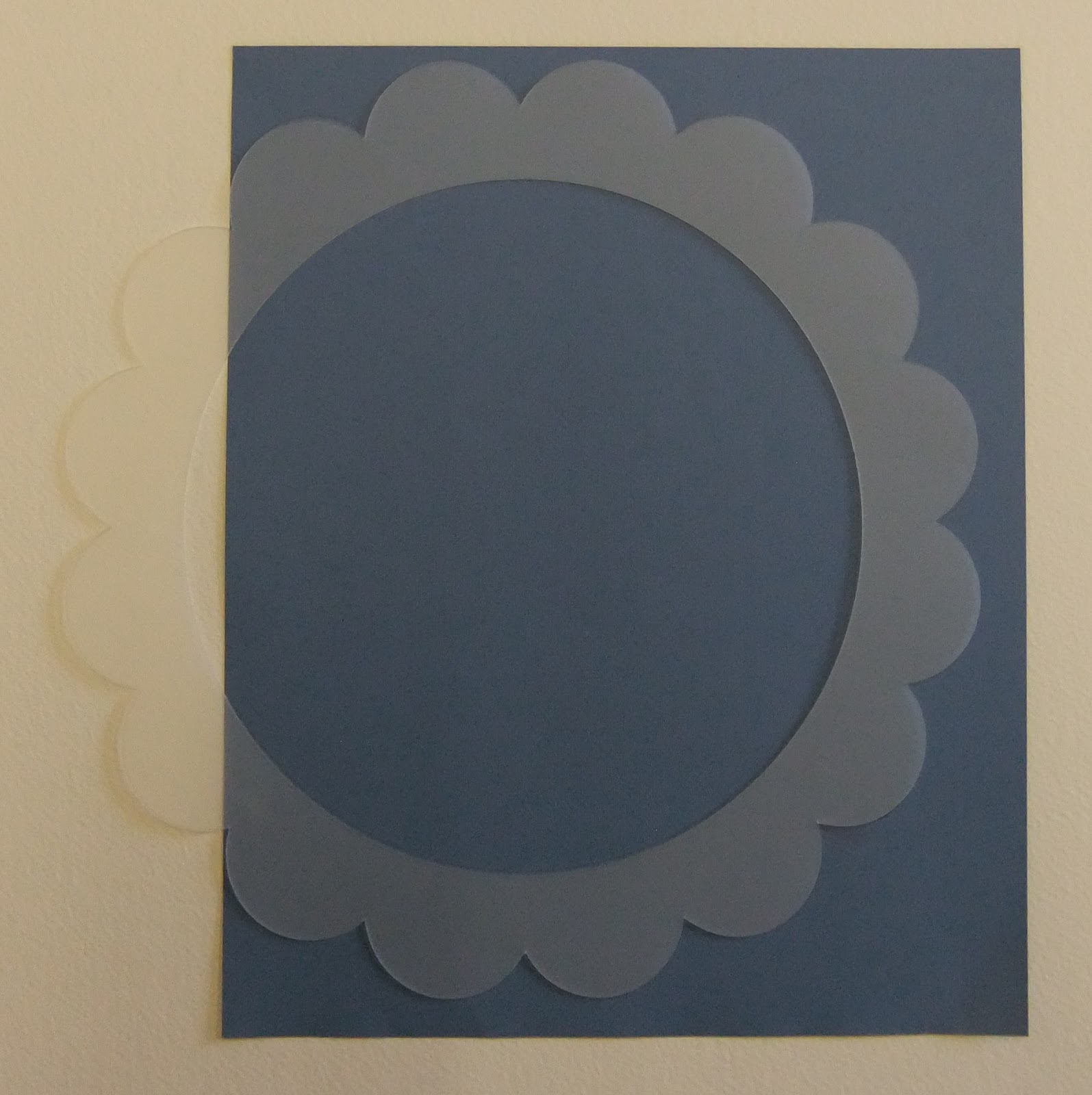
Use the scalloped circle template to draw a scalloped circle (less 4 scallops) onto the blue paper. If you have the kit this has been done for you. Cut out along the scalloped line.
On the piece of rubber, draw out the pattern that you would like to turn into a stamp to decorate the centre circle. Use a knife to cut away the areas that are not required, trying to cut the areas in a v-shape. Straight line designs are easiest to cut and remember that the design will look much better when it is finished - persevere!
Stamp the cream card with your stamp in a checkerboard pattern. If you find this hard to do by eye you can use a ruler and pencil to divide the card up into 1 inch squares. I used dark brown ink.
Now stamp the image again, between the brown designs, this time I used blue ink.
Cut your design into a circle, if you have the kit, this has been marked for you.
Cut out a larger circle from tan card and layer the 2 circles together. If you have the kit, this circle has been marked for you.
Stick the 2 circles to the blue scalloped circle, one edge will overhang at the moment.
Stick the circle arrangement to the 12x12 and cut off the excess that hangs over the edge.
Use the brown paint and the pointed end of the stick provided to dab tiny dots of paint around the scalloped edge of the blue paper.
Use the blunt end of the stick to add large dabs of paint around the stamped circle. If you find that your dots are a bit patchy, use a little more paint.
When the brown dots are dry, add a dot of white paint between the brown dots, I used a large embossing tool to create this medium-sized dot.
Top tip: Every so often, wipe the end of the embossing tool with a piece of kitchen roll as the paint will start to dry on the tip and create uneven dots.
Draw a title onto the dark brown pieces of card and use an embossing tool to dot over your pencil lines with white paint. Keep your dots as close together as possible without them touching. If the dots are too far apart, the letters will not be clear.
Use the biscuit-coloured card to create a border around your photos, mount on the page and you're finished1 I have used one 4x6 photo but a couple of smaller ones would work well too. Having the photo overlapping the dotted circle into the scallops adds interest to the page.
Stick the 3 inch strip to the top of the striped 12x12 and stick the 2 inch strip about half an inch up from the bottom of the page.
Use the scalloped circle template to draw a scalloped circle (less 4 scallops) onto the blue paper. If you have the kit this has been done for you. Cut out along the scalloped line.
On the piece of rubber, draw out the pattern that you would like to turn into a stamp to decorate the centre circle. Use a knife to cut away the areas that are not required, trying to cut the areas in a v-shape. Straight line designs are easiest to cut and remember that the design will look much better when it is finished - persevere!
Stamp the cream card with your stamp in a checkerboard pattern. If you find this hard to do by eye you can use a ruler and pencil to divide the card up into 1 inch squares. I used dark brown ink.
Now stamp the image again, between the brown designs, this time I used blue ink.
Cut your design into a circle, if you have the kit, this has been marked for you.
Cut out a larger circle from tan card and layer the 2 circles together. If you have the kit, this circle has been marked for you.
Stick the 2 circles to the blue scalloped circle, one edge will overhang at the moment.
Stick the circle arrangement to the 12x12 and cut off the excess that hangs over the edge.
Use the brown paint and the pointed end of the stick provided to dab tiny dots of paint around the scalloped edge of the blue paper.
Use the blunt end of the stick to add large dabs of paint around the stamped circle. If you find that your dots are a bit patchy, use a little more paint.
When the brown dots are dry, add a dot of white paint between the brown dots, I used a large embossing tool to create this medium-sized dot.
Top tip: Every so often, wipe the end of the embossing tool with a piece of kitchen roll as the paint will start to dry on the tip and create uneven dots.
Draw a title onto the dark brown pieces of card and use an embossing tool to dot over your pencil lines with white paint. Keep your dots as close together as possible without them touching. If the dots are too far apart, the letters will not be clear.
Use the biscuit-coloured card to create a border around your photos, mount on the page and you're finished1 I have used one 4x6 photo but a couple of smaller ones would work well too. Having the photo overlapping the dotted circle into the scallops adds interest to the page.
Saturday, 2 February 2013
Scrapbook Class - Double page spread
Here is the double page spread that we worked on in class today! Step-by-step instructions for the layout can be found below. A big thank you to the morning class for lending me their pages so I could photograph them as I taught!
Cut the plain 12x12 into strips. You need 2 strips 4 inches wide and 2 strips 2 inches wide.
Cut the mustard spot 12x12 into 4 squares 6x6 inches.
Using magic tape on the back, alternate the mustard spot and the text side of the paper to make 2 pieces 6x12 inches.
Using magic tape on the back again, stick the pink strips to the patterned pieces to make 2 pages 12x12 inches.
Cut 2 scalloped strips from the quilted paper. It needs to be 2 circles wide.
Stick the scalloped borders onto a plain colour (if you have the Stoke Gallery kit you have 2 strips the same colour for this) and cut around leaving a little edge showing.
Use the leftover quilted paper to punch circles from the patterned middles. (If you have the kit they are already punched for you)
Stick the scalloped borders onto the wide plain strips of your 12x12's.
Glue the circles onto the narrow plain borders.
Add a dashed line along the circles in black pen to look like stitching.
To make your title, print the words you need, back to front, from your computer. If you have the kit and find this hard, let me know and I will print or e-mail your title to you.
Stick the words with glue stick (use sparingly) to the back of your plain title paper and cut them out. I like to peel the white paper off afterwards as I think it gives a nicer finish.
Stick the title onto your layout and draw around the edge of the letters with white pen so that they look like they are stitched on the page.
Round the corners of your photos, mount onto ivory card and round the corners again before sticking them on your layout.
Congratulations! You've finished!
Tuesday, 29 January 2013
Scrapbooking on Saturday - A sneak preview
Here's a little taster of the papers we will be using for Saturday's scrapbook class at the gallery. Everyone will have a selection of the patterned papers (which are new in) and there will be colour choices too, with options of mustard, pink, deep red and charcoal grey to compliment the patterns. I will be using at least 2 photos on my layout, and as its a double page spread there is potential to add quite a few photos if you are planning to crop them.
I look forward to seeing you on Saturday, if you can't make it you will be able to see the complete layout here, on the blog, after the class!
Friday, 4 January 2013
Class for Men!
SPECIAL MEN ONLY CLASS!
Why not
come and make a really special Valentines Day card in a box for your Wife or
Girlfriend
Only £7.50!
Saturday
9th February
10-11.30
or 2-3.30
All tools and
materials will be provided, as well as a hot drink and a slice of homemade cake.
Places are limited, so book today!
We love Tilda
This week's card making class is going to be based around the lovely selection of Tilda papers that are available. She designs with such lovely soft colours it is impossible to choose a favourite paper pad!
The dainty scalloped circles in this design have been punched from parchment with the Woodware green-size scalloped circle punch, then I have embossed a dot in each scallop using a Pergamano multi-grid. The elegant dome shaped roses have been punched from Tilda paper with a Woodware orange-size circle and then gently embossed on the back with a character shaper to give them that lovely rounded effect that makes them look like buttons.
The floral design on this card has been cut from a Tilda paper that featured lots of seed packets. What I really like about the Tilda designs is that none of the floral designs overlap, so if you want to use the flowers cut out like I have, there's no wastage at all, every flower can be used as it is whole.
I have used parchment again as a backing for the flower cut-out this time which has been punched with the biggest Woodware scalloped oval punch, then I embossed a small daisy in each scallop. I used standard parchment and then stuck it onto a blue scalloped oval.
I think the beads in the middle of each daisy really help to finish the card off nicely, as does the addition of a piece of ribbon which is double-sided so you can have it either way up.
The dainty scalloped circles in this design have been punched from parchment with the Woodware green-size scalloped circle punch, then I have embossed a dot in each scallop using a Pergamano multi-grid. The elegant dome shaped roses have been punched from Tilda paper with a Woodware orange-size circle and then gently embossed on the back with a character shaper to give them that lovely rounded effect that makes them look like buttons.
The floral design on this card has been cut from a Tilda paper that featured lots of seed packets. What I really like about the Tilda designs is that none of the floral designs overlap, so if you want to use the flowers cut out like I have, there's no wastage at all, every flower can be used as it is whole.
I have used parchment again as a backing for the flower cut-out this time which has been punched with the biggest Woodware scalloped oval punch, then I embossed a small daisy in each scallop. I used standard parchment and then stuck it onto a blue scalloped oval.
I think the beads in the middle of each daisy really help to finish the card off nicely, as does the addition of a piece of ribbon which is double-sided so you can have it either way up.
Subscribe to:
Posts (Atom)